Home › Music
Screenshots 2 platforms
iPhone 2 shots · full-res
iPad 2 shots · full-res
Description
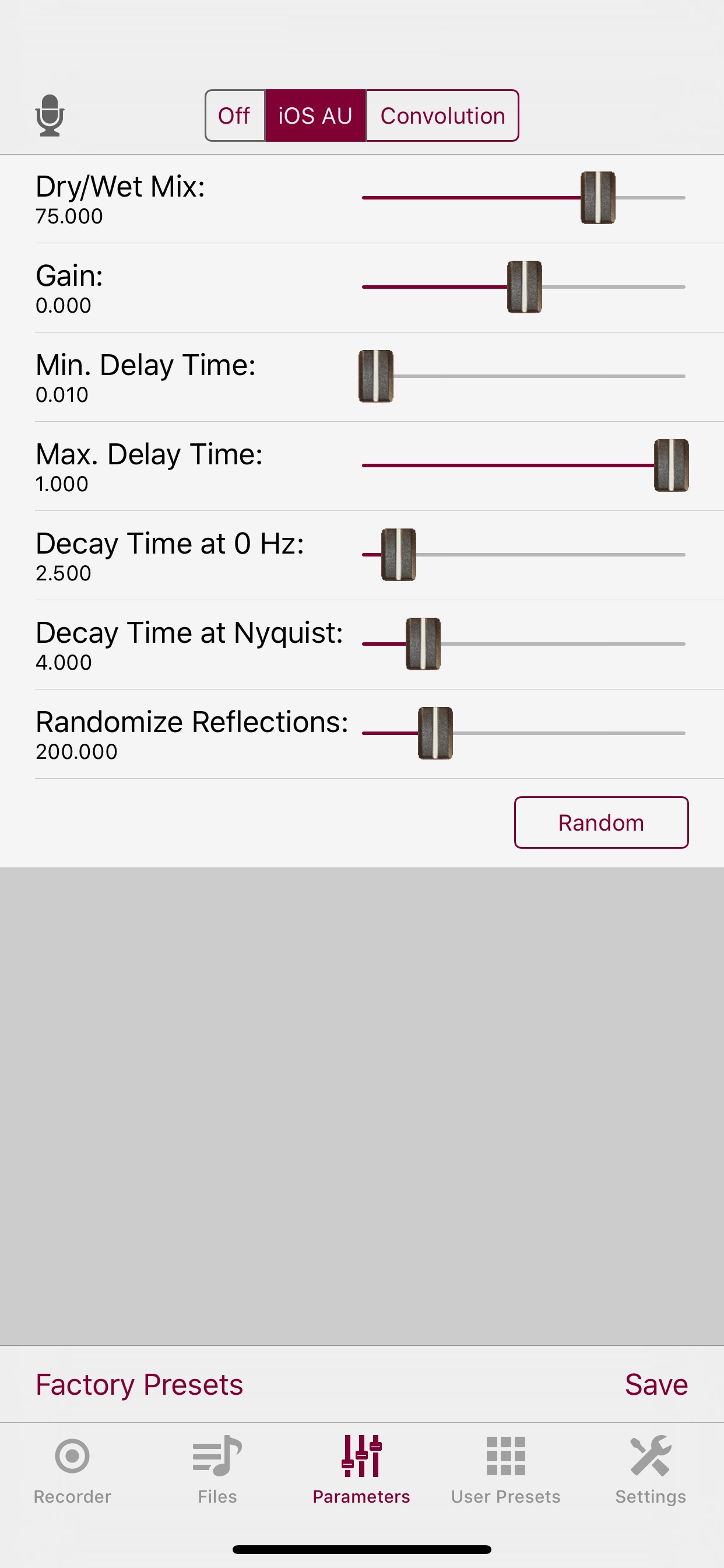
Thafknar is an audio recorder and player and a tool for adding reverb to files and to audio streams (Audiobus, IAA, AUv3; the latter being an in-app purchase).
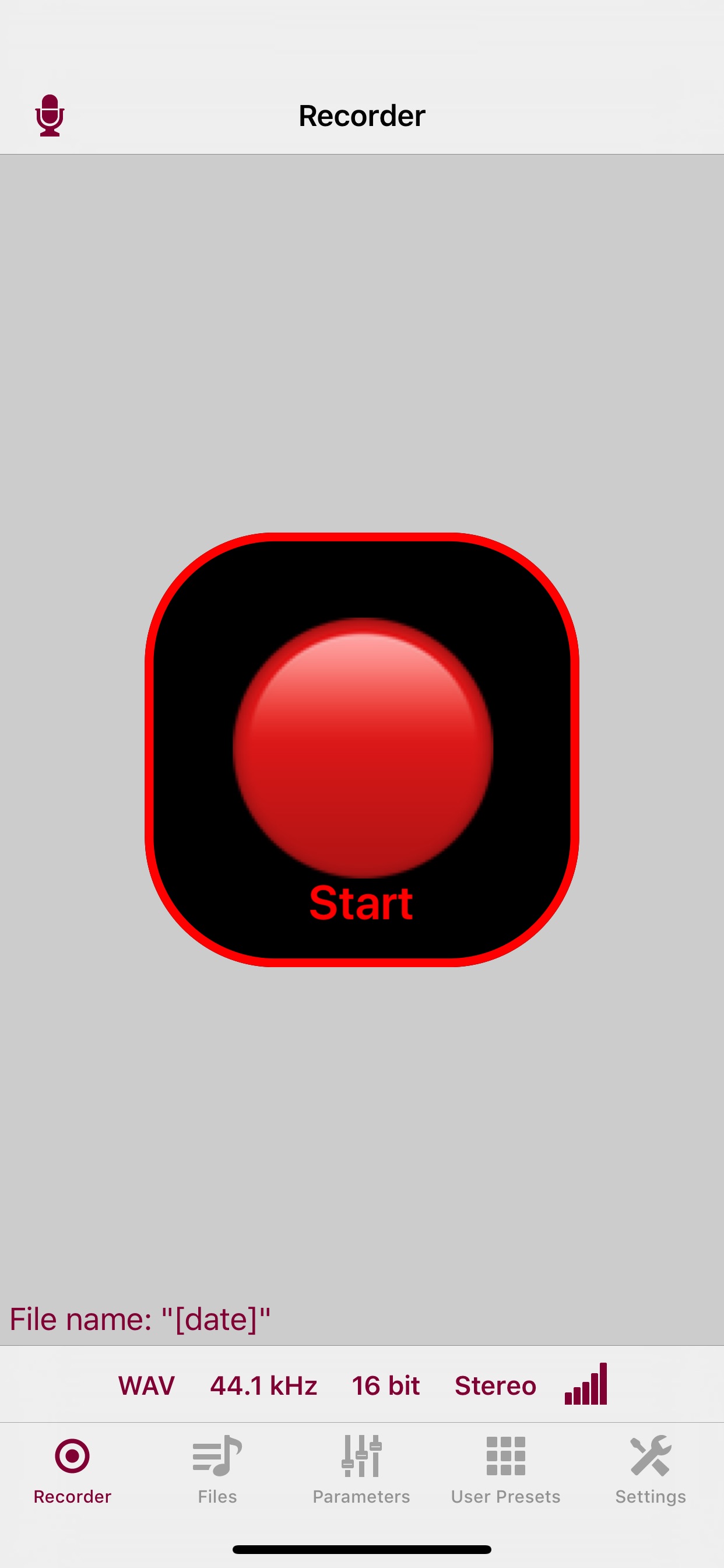
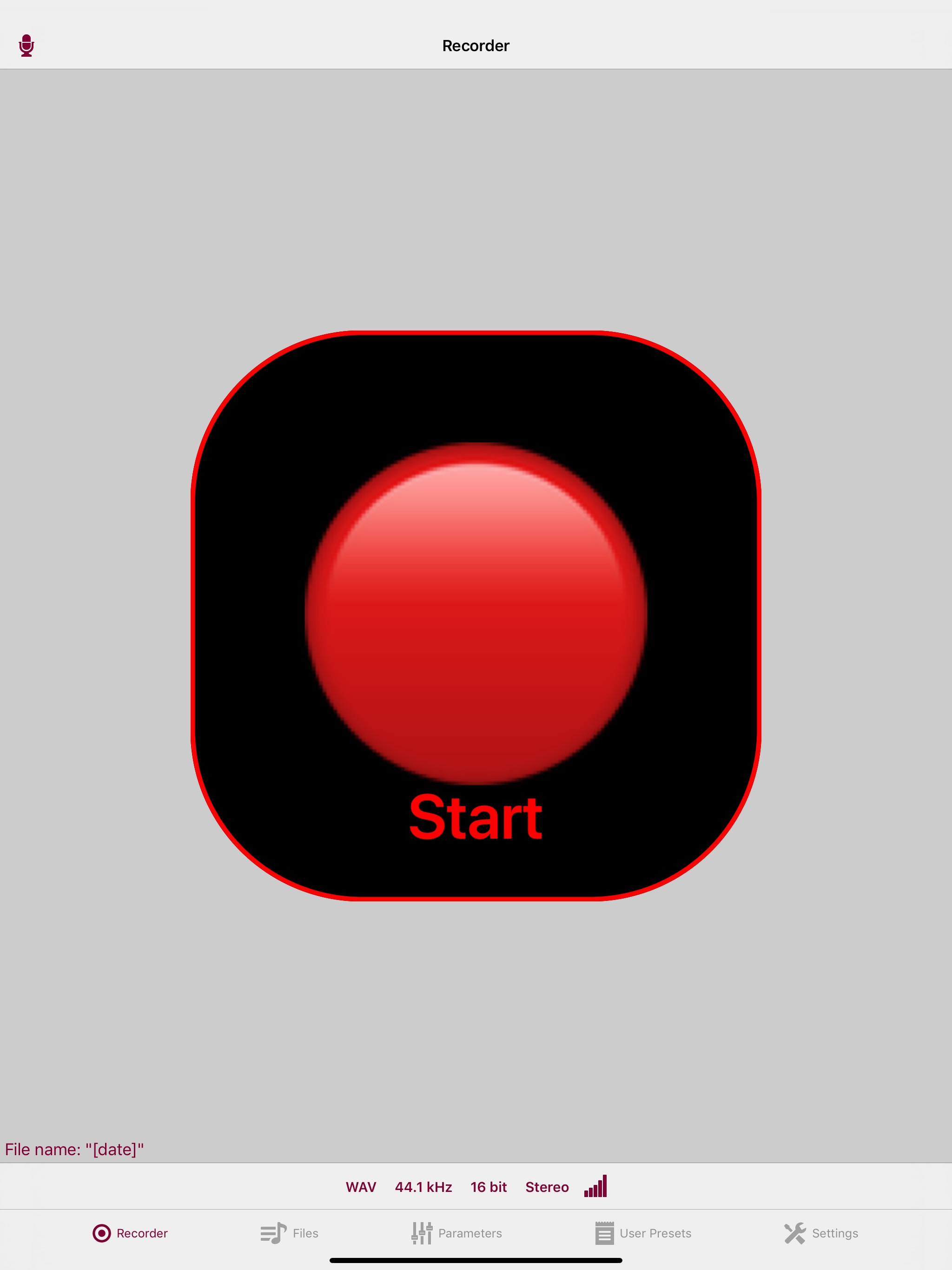
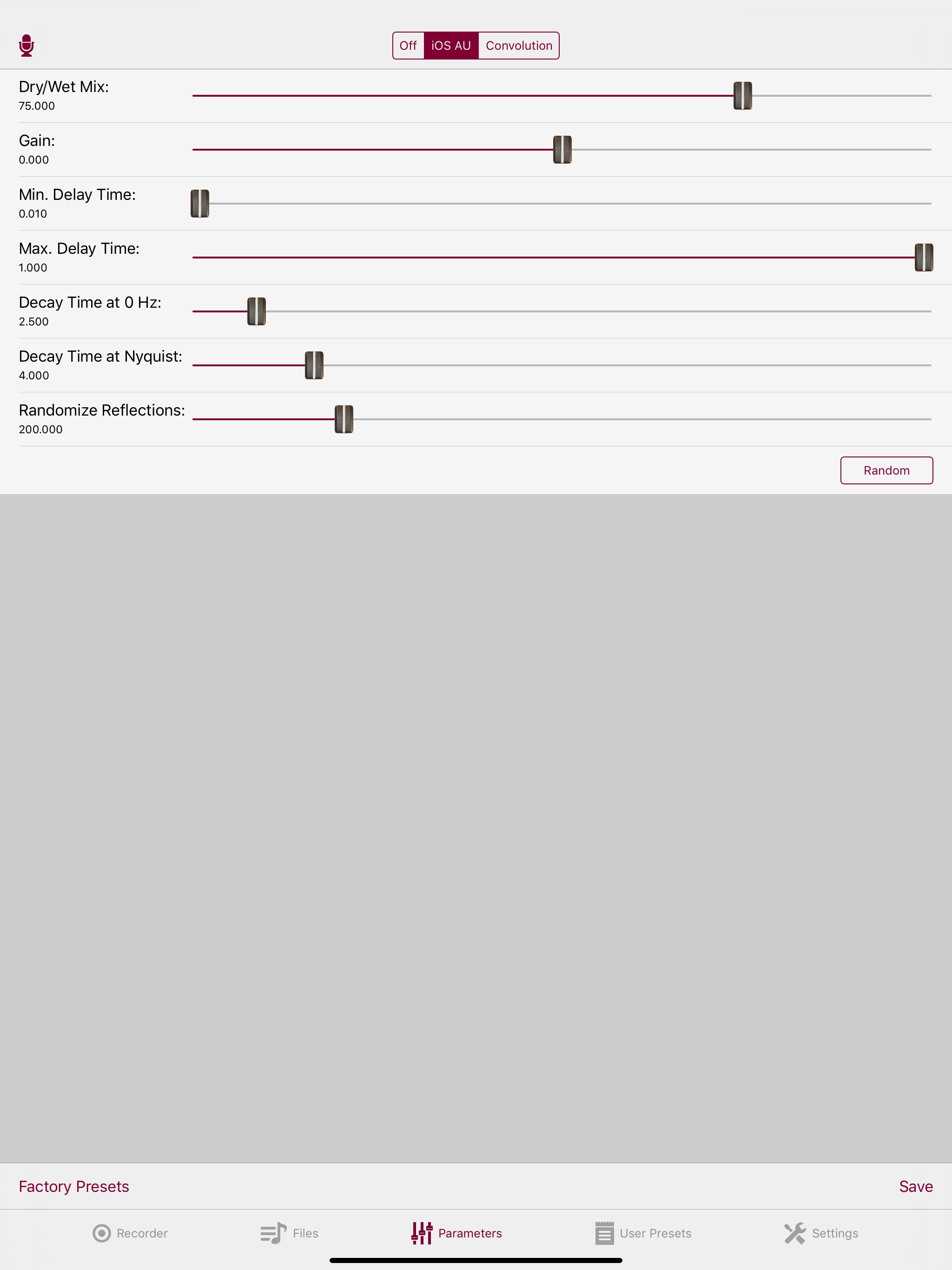
Upload audio files by iTunes File Sharing or by Document Interaction, or create recordings with the app's built-in audio recorder. Play or save the files with added reverb. Use play through mode for realtime reverberation. The reverb can be created by an iOS Audio Unit or by the app's convolution reverb engine (iPad 4 or better is recommended for realtime usage).
In-app purchases:
- MIDI Control for controlling some functions of the app by MIDI messages.
- Preset Buttons for selecting presets by tapping buttons which can be decorated with text or images. This can be used to build a custom-designed sample player.
- Convolution Audio Unit for using the convolution reverb engine as an AUv3 app extension.
Information
Accessibility
ipadiphonemacrealityDevicetvoswatch
Version history · 25 recorded
8.7
2026-03-24
- Audiobus updated to version 3.0.15.1.
- Bugfix convolution reverb: Non-immediate reflections (starting from the second segment of the impulse response) were delayed by one buffer width.
- Bugfix AUv3: On recent iOS versions the audio unit view controller opened with a "No impulse response sets" alert even if there were IR sets.
8.6
2023-11-10
Bugfix: The Quad convolution mode was broken.
8.5
2023-08-10
Changes in the Audio Files view of the Thafknar app:
- Long-tap a file and select "Play all from here" to play the selected file and all subsequent files.
- The name filter is now case-insensitive.
- Smoother movement of the current time slider.
8.4
2023-06-26
In version 8.3, the app's responsiveness in case of hundreds or thousands of iCloud files was bad. This is repaired.
Furthermore, there is now a filter function which helps managing a large number of audio files.
8.3
2023-06-20
- New recordings can be saved either locally or in iCloud.
- File names are sorted numerically. "file 2" is listed before "file 100", for example.
- When auto-creating files names with a counter, the chosen file name is unique within the local files and the iCloud files. It is also unique among files with different file name extensions.
8.2
2023-04-18
AUv3 bugfix: When loading presets to the audio unit, the new parameter values were shown in the GUI but not sent to the convolver.
8.1
2023-04-05
Thafknar Audio Unit:
- Flashing of the bypass switch when in off state. This is for the case that the user turned off the switch by accident and does not see why there is no reverb.
- Fixed unintended drop of "Max. convolution time" value to 10%. In version 8.0, the user had to once correct the value manually to get rid of timeout problems.
- Fixed "Max. convolution time" percentage display. In version 8.0, the percentage display was not updated when the user tapped "Reset".
8.0
2022-12-19
- To prevent delayed response to parameters changes in offline use, these parameter changes are now done synchronously.
- The convolution engine does not anymore rely on buffer sizes that are a power of 2. This prevents trouble with host apps that insist to use a sample rate that differes from the hardware sample rate when the latter is fixed by the device hardware.
- The convolution buffer size can be set to a manually chosen value or to automatic adaption.
- Bugfix in the handling of audio session interruptions.
- Various minor bugfixes.
7.11
2022-02-18
The recording time (number of elapsed seconds) can now be shown in the app badge. This can be enabled in the app's settings and needs Notification permissions.
When running the first time after a fresh install, the app now offers to reinstall previously purchased IAP items.
7.10
2022-01-20
New: An optional short fade out can now be applied to the impulse response. This helps if there are spectral distortions because of a discontinuity at the end of an IR.
Fixed: The layout of some table views was broken when the user selected a very large font size in the device's accessibility settings.
7.9
2021-12-07
Thafknar App: Improved GUI performance when dealing with impulse response sets with a large number (thousands) of impulse responses. Note that the GUI performs faster when you sort the list by name and not by date or length of the IR.
7.8
2021-06-13
Thafknar App, bugfix: On iOS 13+, some action selectors were placed at a wrong position or even off screen.
Thafknar AUv3, new: User presets can now be saved in the audio unit.
Plus a few minor improvements.
7.7
2021-05-19
- Bugfix in AUv3: Presets did not correctly save primary and secondary crossfade IRs.
- New in AUv3: Primary and secondary IRs can be weighted.
- Enhanced VoiceOver support.
- A few other, minor improvements.
7.6
2021-05-02
Accessibility improvements:
- Better VoiceOver support.
- Instead of a graphical view, two sliders can be used to select a range of the impulse response in the convolution parameters view.
- Magic Tap for starting and stopping a recording.
7.5
2021-04-17
Thafknar app:
- Audiobus library updated to version 3.0.15.
Thafknar AUv3:
- Bypass switch (at the top right of the convolution parameters view, to the left of the help button). Thanks to Ed for suggesting this function.
App and AUv3:
- It is now possible to use a selectable range of the impulse response for the convolution operation.
7.4
2021-01-15
Thafknar app:
- IR set statistics and cleanup function. You find this in the action menu of an IR set.
- Optional immediate unpacking of zip archives that were handed over by document interaction.
- When the user switches to Convolution reverb, but no impulse responses are installed, Thafknar offers to install the Demo set. This is to make life easier for new users who don't yet know that there is a menu entry for this purpose.
- Audio system errors are now shown as log entries instead of alerts.
- Audiobus upgraded to version 3.0.12.
- Bugfix: After creating a zip archive from an IR set, the app crashed on older iOS versions.
Thafknar AUv3:
- A primary and a secondary IR can be selected, and the audio unit creates a cross-faded IR. Long tap in the IR list to use this functionality.
- The view now uses its own color scheme. The user can choose Dark Mode, Light Mode or Automatic Mode (iOS 13+).
7.3
2020-10-04
This is a bugfix update that resolves following problems:
- App: Bad readability of the section titles in the impulse response list view.
- App and Audio Unit: Leakage of the dry signal when a gain value smaller than 1 was used in the convolver parameters.
7.2
2020-02-06
- Updates the iCloud Drive container name of the app.
- Bugfix: Delayed recording did not work when the app was in the background.
- New: As an alternative to specifying a delay, you can now set a start date for the recording.
7.1
2020-02-05
- Bugfix: The volume slider in the Files view and the buttons in the in-app purchases view did not respect dark mode.
- New context menu style on iOS 13.
- The audio recorder can now be started with a fixed recording duration and a delay. Long-press the Start button to use this.
- In the Quad convolution mode, the pair of IR files can now be named with the infixes " L"/" R", "-L"/"-R" or "_L"/"_R". Example: "bla L.wav" and "bla R.wav" or "name_L.wav" and "name_R.wav" or "test-L.wav" and "test-R.wav".
- An alert was shown in version 7.0 when in Quad convolution mode an IR file was selected which did not have a dual IR file. In 7.1, we show a less intrusive warning that hides itself after a short time.
7.0
2020-01-29
- Support for Dark Mode.
- "Copy to impulse responses" is now the first entry in the action menu that you get by long-tapping an audio file in the Files view.
- New convolution parameter: "Gain".
- New convolution parameters: "Input mode" and "Processing mode". Direct support for Quad convolutions (aka "True Stereo").
- New port status LEDs in the AUv3 view.
- New convolution setting: "Parallelise?". For devices with many cores, this may be help doing Quad convolutions with long impulse responses.
6.7
2020-01-08
- New convolution mode "Mono LR" for averaging a stereo input signal to a mono two-channel signal before convolving this with the left and with the right channel of the impulse response to a stereo output signal. You find explanations in the corresponding section of the app's support page.
- Audiobus library updated to version 3.0.11.
- AUv3 view adopts the appearance of the host app instead of insisting on its own color scheme.
6.6
2019-09-19
Stability improvements and some iOS 13 adaptions.
6.5
2019-09-04
Rooms! app:
- Repaired "View in App Store" function.
- Audiobus library updated to version 3.0.8.
RoomsAUv3 app extension:
- Parameters are now persistent.
- New Settings page. Current convolution callback time can be displayed, and the convolution callback time can be limited. The settings are persistent, too.
6.4
2019-08-26
Bugfix: The previous 6.x versions suffered from an unwanted audio ducking behaviour, i.e. other apps lowered their sound volume when Rooms! was started.
New: The app does not expose its local and iCloud Drive documents directories, so they can be accessed by the Files app. Furthermore, document browsing by other apps is supported. If you experience problems with previewing zip files in the Files apps, then please read the notes on http://polaron.de/Rooms/FilesAppProblems.html .
New: The convolution reverb can now be used as an audio unit extension (AUv3). This is an in-app purchase.
6.3
2019-08-05
This is a bugfix release which contains a workaround for a problem of the Files app in iOS 12.4. When a zip file was tapped, the Files app opened Rooms! instead of showing a content preview.
Region availability · 4 of 4 storefronts
| Store | Price | Ratings | Avg | Version |
|---|---|---|---|---|
| GB | Free | 2 | 3.5 | 8.7 |
| LB | Free | 2 | 5.0 | 8.7 |
| CY | Free | 1 | 5.0 | 8.7 |
| LV | Free | 0 | — | 8.7 |